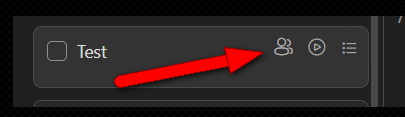
👷♂️Assignee to me - without getting into Task💡Feature RequestDec 20, 20221) By pressing the keyboard ⌨ "SPACE" ✅2) Configuration option - When creating new tasks, assign me automatically 🔛Posted by Jack S. · Dec 20, 2022Status: Open4 comments3
Log in to comment and vote
Comments4
Tony Pham
Jan 6, 2023
In a list, when you choose yourself in the assignee filter (press "z"), all newly created tasks will be automatically assigned to yourself.
Jack S.
Dec 21, 2022
1) 👍Finished:
https://help.upbase.io/article/31-keyboard-shortcuts
Diane DEFORES
Dec 23, 2022
Jack S.: Very very cool, that's the kind of feature that changes everything!
Could we have it to work also in list mode ?
Would love to have a shortcut (like backspace) to delete a task too
Diane DEFORES
Dec 23, 2022
Or a nice hovering menu like we have on Simpler app